
Flux 2
Flux 2 AI driven by the Flux 2 Model, offers text to image,image to image generation, image editing, and multi-image workflows in a single platform. It interprets prompts, integrates references, and creates cohesive visuals, scaling seamlessly from rapid drafts to professional-grade campaigns.
Features of Flux 2
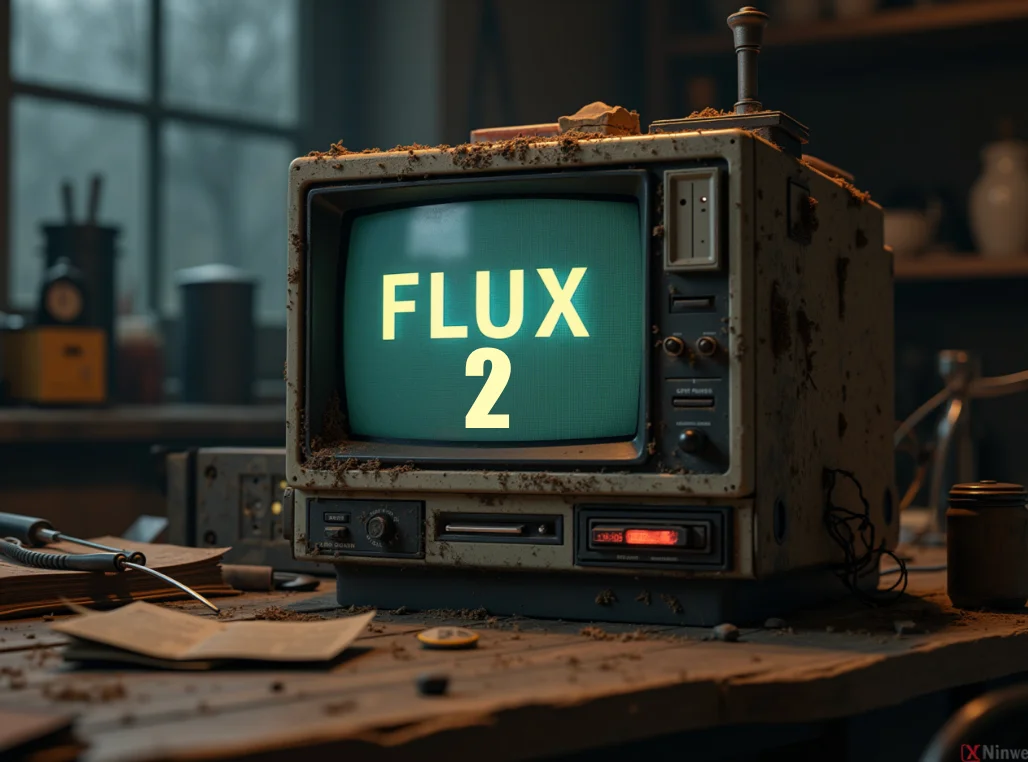
Flux 2 supports multiple image references, strong text prompts, and fast iterations, creating consistent visuals for campaigns, products, and stories.
Text to Image Generation

Image to Image Generation
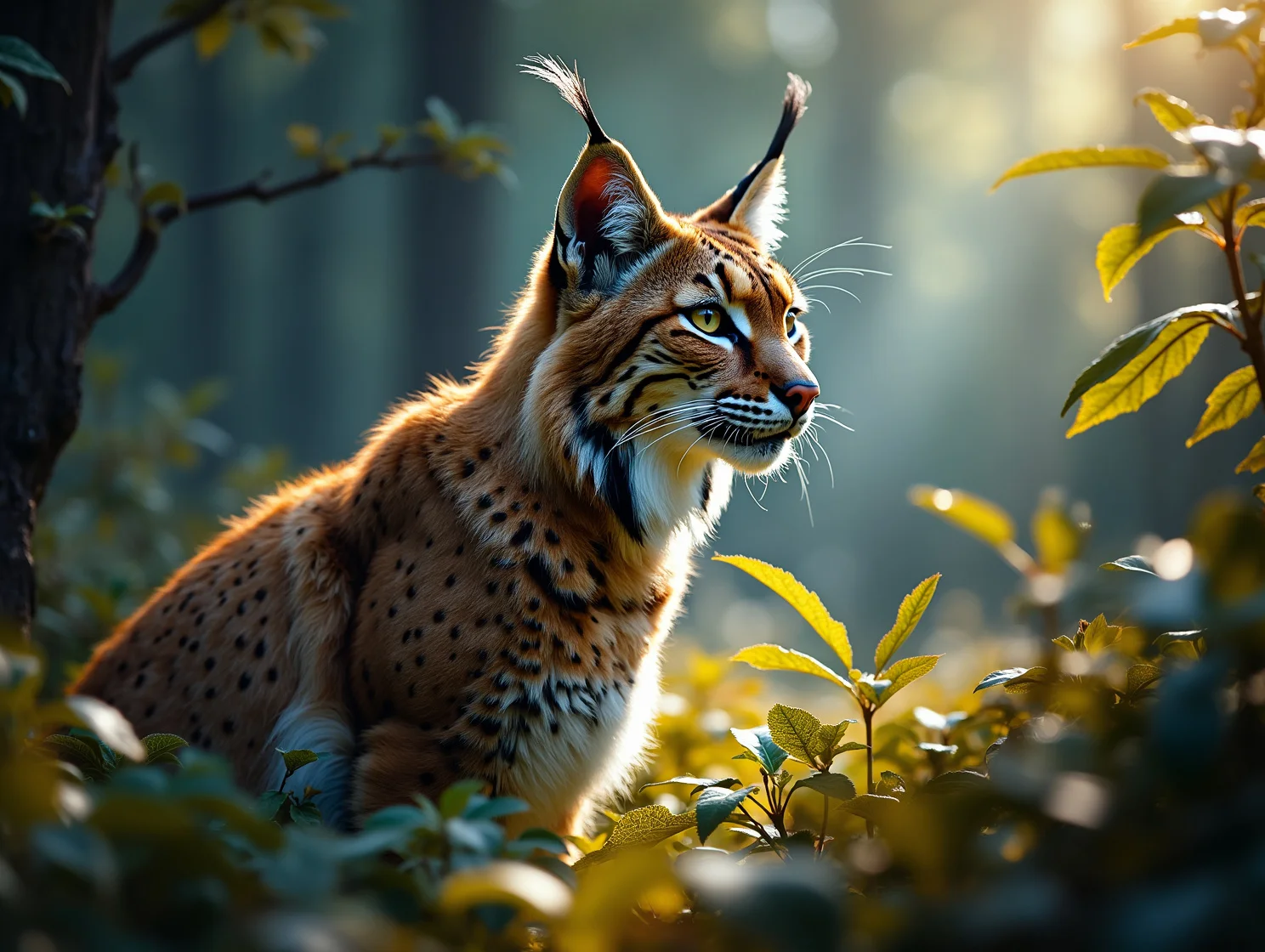
Multi-Image Workflows
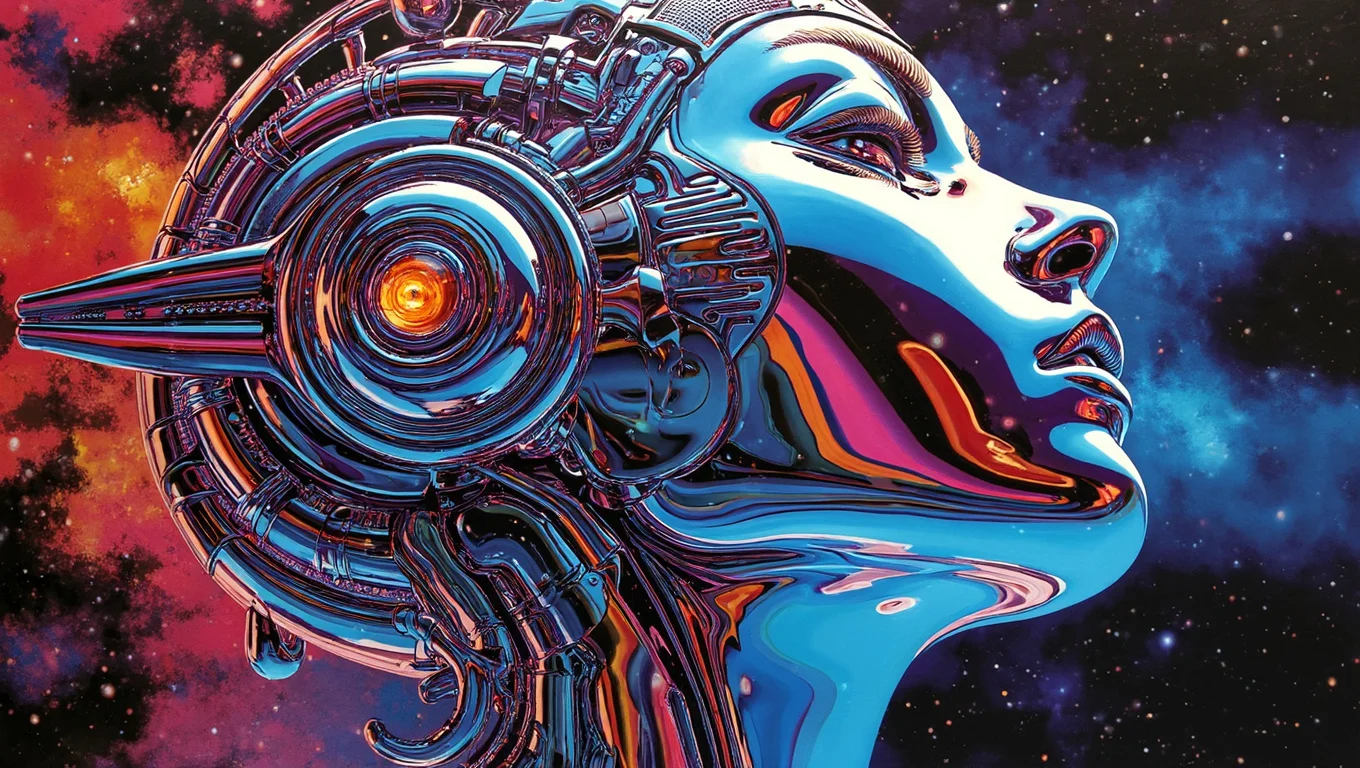
Image Editing & Iteration
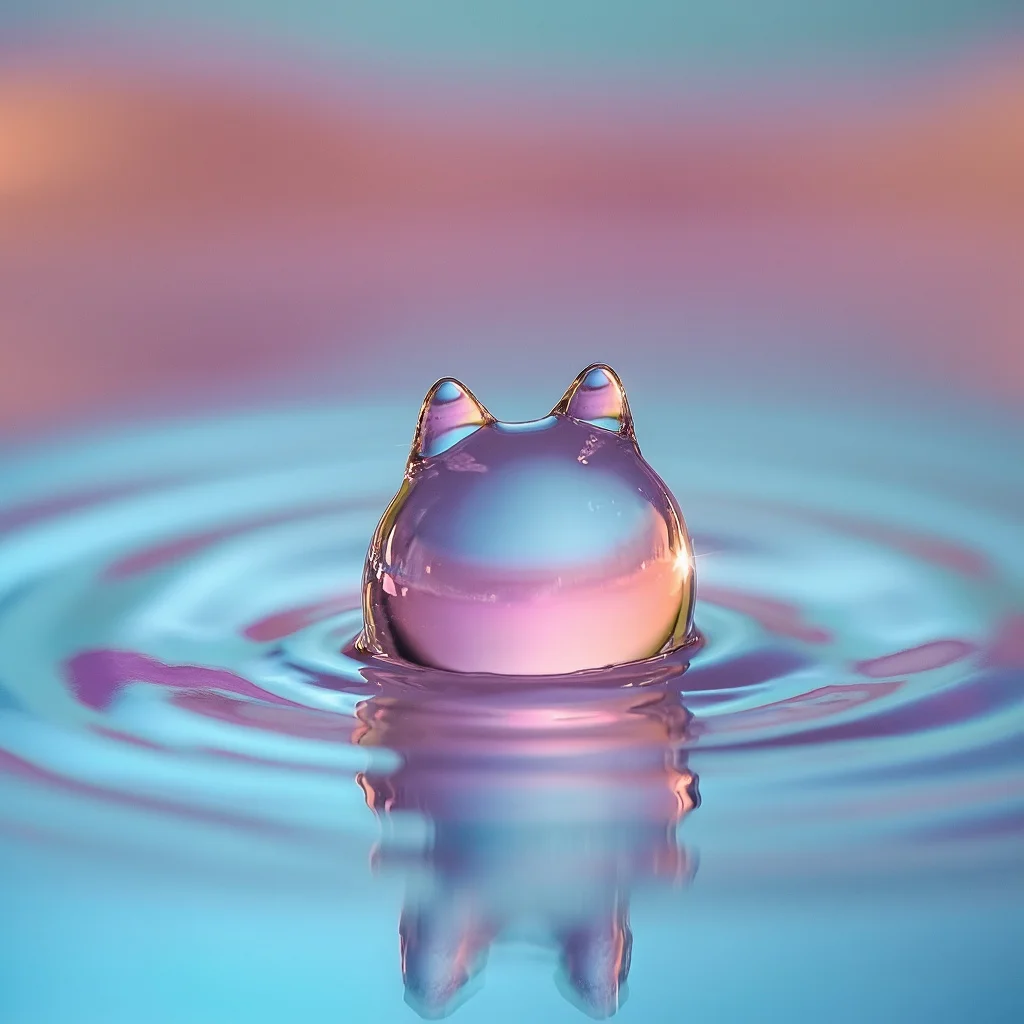
Flux 2 Image Workflows
Explore six real-world scenarios demonstrating how Flux 2 and the Flux AI image generator streamline creative production for teams across multiple channels.
Ecommerce Catalog Generation
Generate uniform product images with consistent angles and lighting. Using Flux 2, the Flux AI image generator ensures materials, colors, and proportions stay consistent while enabling controlled variations for different sizes, seasons, and marketplace listings.
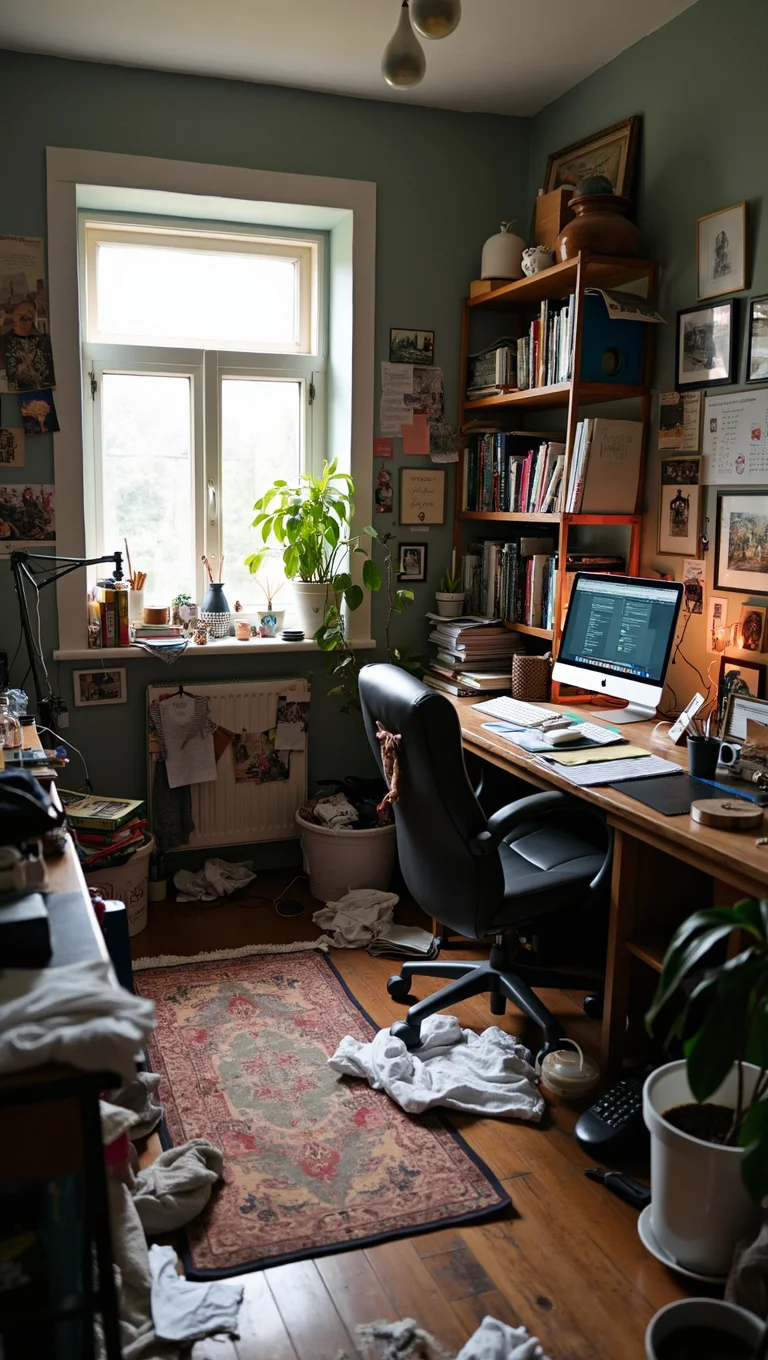
Marketing Storyboards
Quickly create ad scene drafts by providing a theme and reference images. Flux 2 preserves tone and character traits, generating consistent panels that help teams align on creative direction before video or photo production.
Photo Restyle and Cleanup
Refresh portraits or product images by modifying backgrounds, colors, and textures. Guided by Flux 2, the Flux AI image generator maintains the original structure while applying new styles, allowing fast updates for campaigns without reshoots or manual editing.

Multi-Image Variants
Create harmonized image sets from multiple references, like product packaging or color variations. Flux 2 merges inputs into visually consistent families, making it easy to populate product pages, catalogs, and promotional bundles with minimal manual work.
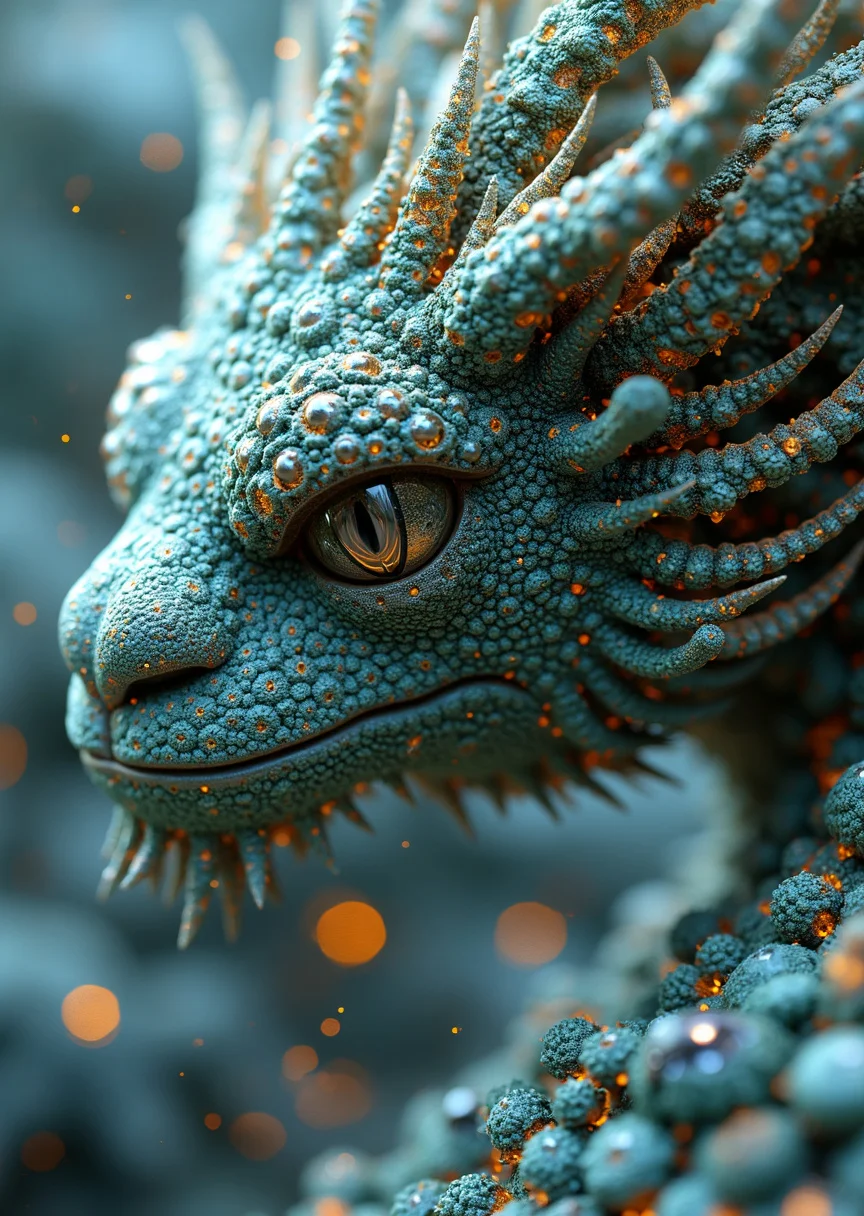
Social Campaign Assets
Quickly generate multiple variations for social platforms in a single workflow. With Flux 2, the Flux AI image generator adjusts framing and style while keeping essential elements intact, ensuring cohesive carousels, covers, and thumbnails across channels and regions.
Creative Prototyping
Rapidly experiment with different creative directions before investing resources. Flux 2 lets teams test styles, materials, and compositions, producing dependable images that facilitate early feedback and streamline campaign and product development.
What Do Users Say About Flux 2?

Jessica, Marketing Manager
Flux 2 has completely transformed our workflow! The AI understands our prompts so well, and we can generate consistent visuals for campaigns in minutes.

David, E-commerce Designer
I love how easy it is to create multiple product variations. Flux 2 keeps colors, materials, and proportions perfectly aligned across all images.

Sophie, Creative Director
The multi-image workflow is a game-changer. We can produce cohesive sets for catalogs and bundles without manually adjusting every image.

Michael, Photographer
Editing and restyling images has never been faster. Flux 2 maintains structure while refreshing visuals for seasonal campaigns effortlessly

Emma, Social Media Manager
Using Flux 2 for social campaigns saves us hours. Thumbnails, covers, and carousel images all look consistent across different platforms and regions.

James, Product Designer
Flux 2 is perfect for prototyping creative ideas. We can test multiple concepts and gather team feedback quickly before committing to full production.
FAQ for Flux 2
How do I use Flux 2?
Select a model and mode, then provide a clear prompt and attach reference images if needed. Flux 2 interprets your instructions and generates images that follow the subject, style, and composition, ready for design or publishing.
How long does generation take with flux 2?
Generation time depends on image size, guidance, and batch quantity. Most images are ready in about 30 seconds, while larger or multi-image sets may take a few minutes. Flux 2 optimizations keep queues responsive even during peak usage.
How are credits calculated with flux 2?
Credits are based on resolution, steps, and batch size. Higher detail or more outputs consume more credits. Flux 2 shows usage before generating, helping teams and individuals plan and budget effectively.
What are the upload limits?
Supported formats include PNG, JPG, JPEG, and WEBP. Maximum file size varies by plan and may change over time. Multi-image workflows allow several references to guide structure, materials, and lighting for consistent results.
Can I use results commercially?
Yes. Outputs from Flux AI powered by Flux 2 can be used for advertising, websites, print, and social media, subject to local laws. Users are responsible for rights to uploaded references and compliance with brand or regulatory guidelines.
What makes Flux 2 unique?
Flux 2 offers fast iteration, multi-image control, and consistent structure. It preserves characters, product forms, and lighting across sets, shortening review cycles and producing ready-to-use assets efficiently.